Your kid asks for screen time, you decide on your phone in one tap

The parental control your kid won't hate. Friendly, simple, and cute enough that they'll actually use it.

Kid's phone Kid's app - asks for access
Your phone Parent's app - approve in one tap

How it works

Three steps. No complicated setup. No angry kids.

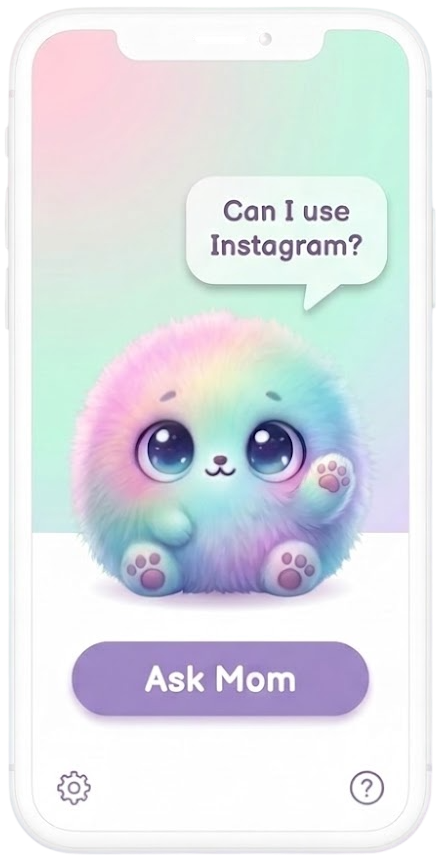
Kid asks Mochi for access

1. Your kid asks Mochi

When an app is blocked, Mochi gently asks: "Want to request access?" One tap, no frustration.

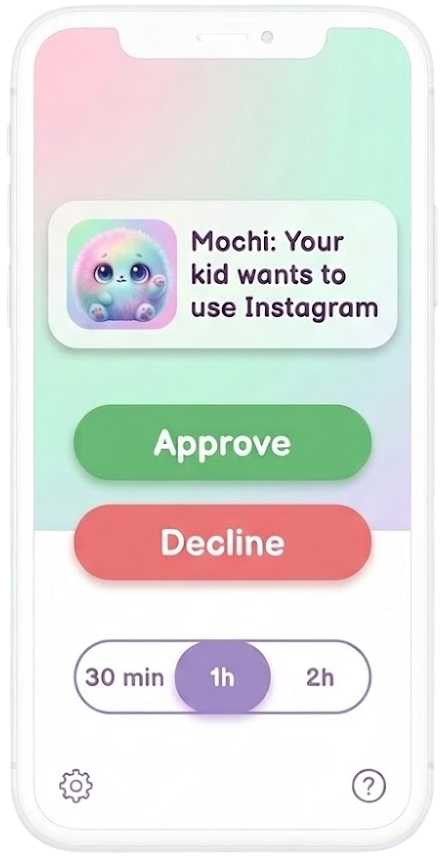
Parent approves in one tap

2. You decide in one tap

You get a friendly notification. Approve or decline, pick the duration — 30 min, 1 hour, or more. Done.

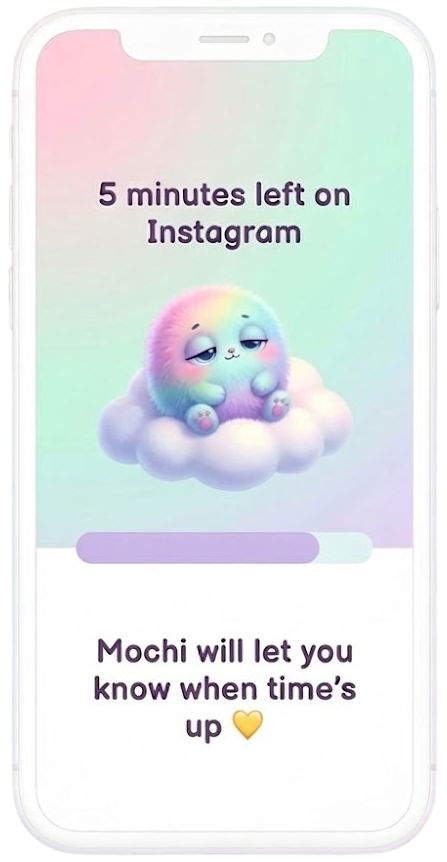
Mochi handles the timer

3. Mochi handles the rest

Gentle reminders before time's up. When it's over, Mochi softly says goodbye. No tantrums, no drama.

Why parents love Mochi

Built for real families, not IT departments.

🛡️

Everything blocked by default

Apps and websites are locked until you say otherwise. You whitelist what's okay — nothing slips through.

💬

Real conversations, not rules

Your kid learns to ask instead of sneak. Every request is a small moment of accountability and trust.

🎨

Cute, not creepy

No surveillance dashboards. No cold interfaces. Just a friendly mascot your kid actually likes seeing.

The accountability approach actually works. My kid started asking before grabbing the phone — something no screen time app ever achieved.

— Parent from a productivity forum

Ready to try a different approach?

Join the waitlist and be the first to try Mochi when it launches.